
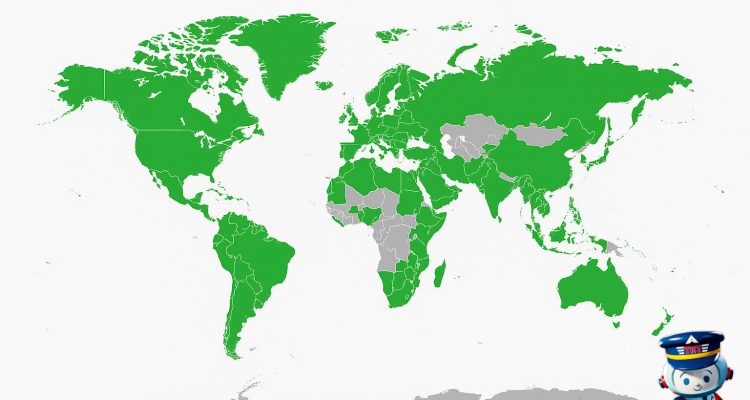
Introduction to Digital Wallets for Travelers
Digital wallets are apps on your phone or smartwatch that store payment information securely, letting you pay without cash or physical cards. They use contactless payment technology—think tapping or holding your device near a terminal—to complete transactions instantly. For travelers, this means less fumbling with foreign currency or bulky wallets at busy airports and hotel check-ins.
Beyond convenience, digital wallets add layers of security through tokenization. Instead of sending your actual card number, they transmit randomized codes that protect your data from theft. Plus, checkout times drop dramatically, which helps when you’re rushing to gate or grabbing a quick meal on the go.
Apple Pay and Google Pay lead the pack here, reshaping how people spend during travel. Apple Pay, available on iPhones and Apple Watches, gains traction in the U.S. and Europe, while Google Pay dominates many Android markets worldwide. Both continue expanding acceptance across airlines, hotels, rideshares, and dining—changing habits for business and leisure travelers alike.
I track these shifts closely through latinofare.com, where integrating digital wallet payment options with booking tools has made securing flights or hotels quicker. Using these wallets means fewer payment hiccups and more streamlined travel prep.
How Apple Pay and Google Pay Work
Apple Pay and Google Pay rely on near-field communication (NFC) technology to enable contactless payments. When you tap your phone, watch, or tablet on an NFC-enabled terminal, the device communicates securely with the payment system. Both platforms integrate directly with mobile apps and digital wallets, allowing users to store credit, debit, transit cards, and even boarding passes in one place.
The security backbone involves a dedicated chip called a secure element. On iPhones and Apple Watches, this hardware encrypts and stores payment credentials isolated from the main operating system. Android devices similarly use a secure element or trusted execution environment depending on manufacturer specifications, adding layers of protection against hacking.
User authentication comes into play before any transaction. Apple Pay supports Face ID, Touch ID, or a device passcode. Google Pay primarily uses biometric locks such as fingerprint scanners or facial recognition, plus PINs or passwords depending on your device’s configuration. This requirement prevents unauthorized users from making payments even if they physically have your device.
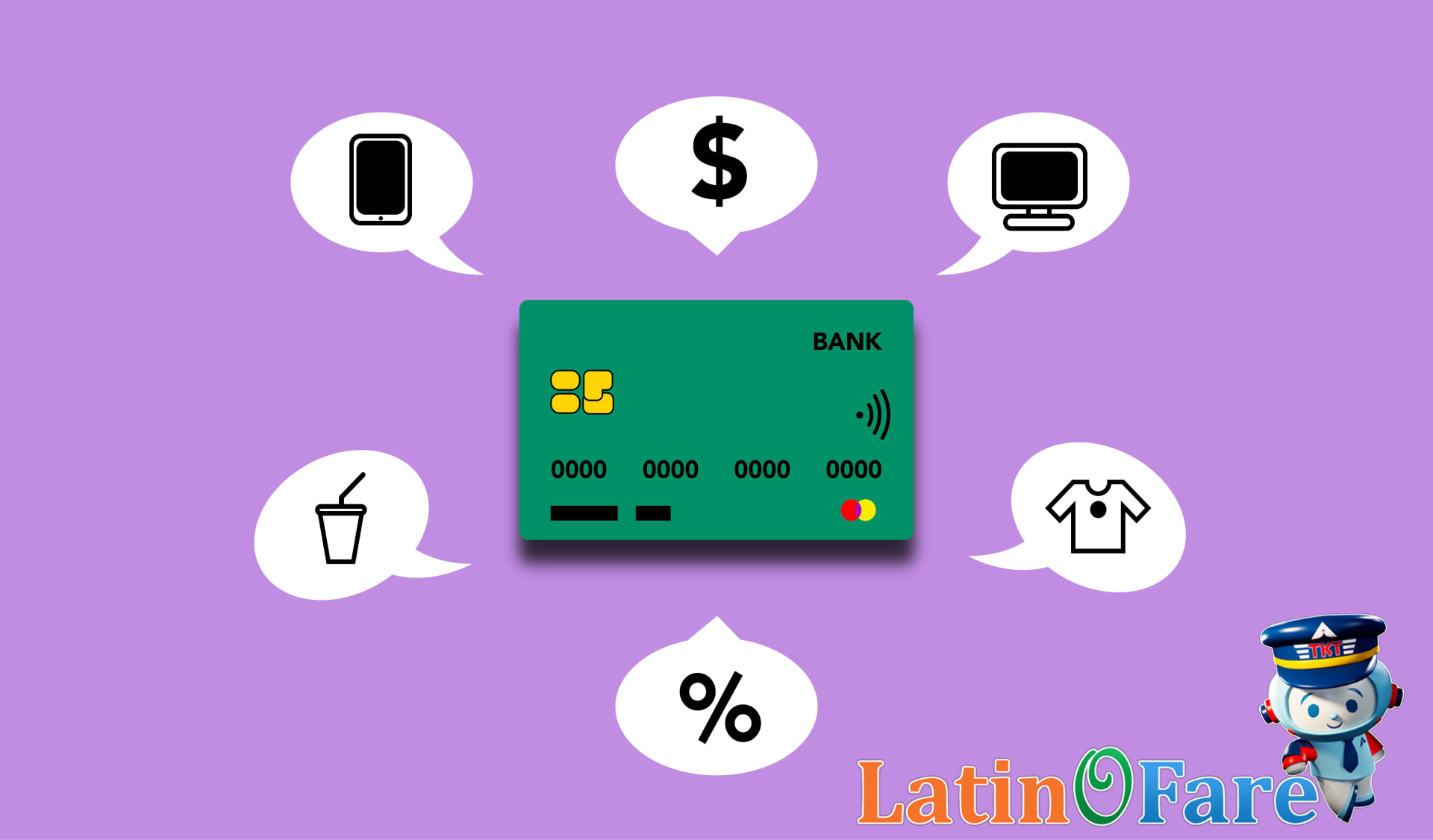
At the core of transaction security is tokenization. Rather than sending your actual card number during a purchase, the systems generate a unique, one-time token—essentially a stand-in number—that works only for that payment. This token, combined with encryption techniques, keeps your real card data hidden from merchants and potential eavesdroppers. For travelers, this means your payment data stays private whether you’re booking at a hotel kiosk in Madrid or grabbing coffee in New York.
Device compatibility keeps growing. As of early 2026, Apple Pay works on iPhone 8 and newer models running iOS 16 or above, as well as Apple Watch Series 3 and up with watchOS 9. Google Pay supports Android devices running version 7.0 (Nougat) or later, including Samsung Galaxy S8 and newer, Google Pixel 3 and newer, and various tablets supporting NFC. Wearables like Samsung Galaxy Watch 4 and Fossil Gen 6 also enable tap-to-pay on Google’s platform.
Before your next trip, double-check your device and OS version—apps update often with new supported features. I track payment app updates through alerts from latinofare.com, which recently highlighted Google Pay’s expanded compatibility with select mid-range phones as of February 2026.
Global Reach—Where Digital Wallets Work Abroad
Apple Pay and Google Pay acceptance vary widely by region, reflecting local tech infrastructure and payment preferences. In the Americas, the U.S. and Canada have broad NFC (near-field communication) support, with Apple Pay available at 90% of U.S. retail locations as of December 2025 and similar penetration in major Canadian cities like Toronto and Vancouver. Mexico’s urban centers like Mexico City and Monterrey show growing digital wallet acceptance, especially in large malls and airports, though many small vendors still rely on cash or local payment apps.
Europe shows solid adoption in key travel hubs. Heathrow Airport in London rolled out full Apple Pay and Google Pay support across all major terminals by July 2025, while Paris’s Charles de Gaulle and Berlin Brandenburg airports enable contactless checkout in retail zones. France, UK, and Germany see 70–85% acceptance among large retail chains such as Carrefour and Marks & Spencer, though rural regions lag due to slower NFC rollout.
Asia presents a mixed picture. Japan leads with Apple Pay integration in 60% of Tokyo hotels (Hyatt Regency Tokyo, Park Hyatt) and major department stores like Isetan. Singapore’s MRT stations and Changi Airport terminals support these wallets fully. However, countries like India and Indonesia, despite rapid mobile payments growth, favor QR-based systems over NFC, limiting Apple Pay and Google Pay acceptance in street markets and smaller outlets.
Emerging markets often lack the NFC infrastructure supporting instant tap payments. For instance, many locations in Sub-Saharan Africa or Latin America still rely heavily on cash or SMS-based payments. In South America, Chile and Argentina show pockets of digital wallet use in Santiago and Buenos Aires upscale districts, but widespread adoption faces regulatory and infrastructure hurdles.
Major international hotel brands like Marriott, Hilton, and Accor generally accept Apple Pay and Google Pay in key cities worldwide, crucial for travelers booking through platforms like latinofare.com. Large retail chains operating globally—Apple Stores, Starbucks, and Sephora—consistently enable NFC payments, especially during high tourist seasons.
Seasonal factors influence availability, too. Tourist-heavy spots (Ibiza in summer, ski resorts in the Alps during winter) ramp up contactless acceptance ahead of peak travel months. Conversely, adoption tends to dip in less-frequented periods or rural markets.
Notable exceptions include countries with strict financial regulations or tech constraints. For example, Russia limits foreign digital wallets due to sanctions and prefers domestically developed alternatives like Mir Pay. In China, Apple Pay works only with select banks and requires local ID verification, and Google Pay is mostly unavailable.
Bottom line: If you plan to rely on Apple Pay or Google Pay during your trip, target metropolitan hubs and international chains first. I track these trends closely through latinofare.com updates, which help spot new acceptance spots and seasonal shifts so you won’t get stuck searching for cash.
Preparing and Using Digital Wallets When Traveling
Setting up your digital wallet before a trip saves hassle. Start by adding multiple payment methods—credit and debit cards—so you have options if one isn’t accepted. For instance, Melissa Chen, a marketing analyst from Seattle, added three cards to her Apple Pay wallet in January 2026 before a Europe trip. She confirmed with each bank that her cards were approved for international use, avoiding declines abroad.
Using Express Mode can speed up transit payments where it’s supported. London’s Oyster and Tokyo’s Suica both allow travelers to tap a card or phone quickly without needing Face ID or fingerprint authentication every time. Javier Ramirez, an IT consultant from Mexico City, shared on Reddit that his Suica Express Mode passes saved him about 30 seconds per subway entry during his Tokyo trip in November 2025—a real time saver over multiple rides.
Not all payment terminals accept digital wallets everywhere. If your contactless payment is rejected, have a backup plan: carry a physical card or some local currency. Don’t hesitate to ask the merchant quietly if they support tap payments or if a chip-and-PIN or cash option is necessary. Last December, Sofia Gonzalez, an HR manager from Buenos Aires, experienced a terminal failure at a small Paris café. She pulled out her backup card after politely confirming with the cashier—no delay.
Security matters even more when traveling. Enable your device’s auto-lock and use strong authentication methods like biometrics or a PIN. Back up your wallet data if your platform supports it—for example, Google Pay backs up to your Google account. Remote lock and wipe functions are essential. After losing his phone in Mexico City in February 2026, Carlos Diaz, a freelance writer, remotely wiped his device within 15 minutes, preventing unauthorized payments.
One last practical step: check airport and TSA policies regarding mobile device usage and digital wallets. Some airports require phones to be out of your pockets during screening, and a locked phone might need unlocking for inspection. Confirm policies ahead of time to avoid surprises. While planning her March 2026 trip through Miami International Airport, travel blogger Elena Morales followed latinofare.com alerts to verify TSA guidelines, ensuring smooth security checks.
Benefits and Limitations of Digital Wallets Overseas
Using Apple Pay or Google Pay abroad offers real benefits, but also has some drawbacks that travelers should keep in mind. Security is a major plus. Both digital wallets use tokenization, which replaces card details with unique codes during transactions. This reduces fraud risks compared to swiping or inserting physical cards, especially in locations with older card terminals. The contactless nature speeds up checkout lines—handing your phone over or tapping the terminal is quicker than fumbling with cash or chip-and-PIN.
Another advantage: built-in transaction records. Both platforms keep detailed payment histories accessible in your phone’s wallet app, handy for tracking expenses on international trips. Plus, currency conversion usually happens on the bank or card issuer’s side, so you don’t have to do mental math at each purchase. Your statement will show amounts converted to your home currency, albeit with possible foreign transaction fees.
Here’s where limitations kick in. Some small businesses or street vendors still insist on cash. Others accept cards but not digital wallets. Offline payment support varies too. Apple Pay integrates with Japan’s Suica transit card, letting users tap in even without cellular service. Google Pay supports many transit options globally but offline functionality depends on region and transit authority. That means you can’t always rely on your phone alone for public transport.
Connectivity matters because some payments require an internet connection to authenticate. Without it, a transaction might decline. This is especially true with Google Pay in some countries, while Apple Pay’s recent improvements have increased offline capability. Still, having backup physical cards or local cash is crucial. In March 2026, Maria Torres, a marketing manager from Mexico City, shared on Reddit how her Apple Pay failed in a remote market in Bali due to connectivity, but she avoided trouble by using a Visa card with no foreign transaction fee.
Speaking of fees, these vary a lot by card issuer and payment method. Some credit cards charge 1.5% to 3% foreign transaction fees per purchase, whether on Apple Pay, Google Pay, or physically swiped cards. Others waive these fees completely. For example, Carlos Jenkins, a software engineer from Toronto, reported his Chase Sapphire Reserve charged zero fees on Google Pay transactions during his Europe trip in January 2026, but quotes from his colleague’s Bank of America card showed 2% fees under similar conditions, as posted on FlyerTalk.
Bottom line: digital wallets make spending overseas smoother and safer, but don’t assume they’ll work everywhere or replace cash completely. I track transit card updates and fee changes through alerts on latinofare.com to plan trips without surprises. Carry backups, check your cards’ foreign fees, and enjoy the convenience—but keep an eye on the details.
FAQs About Using Digital Wallets Internationally
What countries support Apple Pay and Google Pay for travelers?
Apple Pay works in over 60 countries including the UK, Canada, Australia, and parts of Europe. Google Pay supports around 40 countries like India, Singapore, and Mexico. Both expand coverage regularly, but availability can vary by bank or merchant in each country.
How do I set up my digital wallet for international use?
Add your cards as usual and enable international transactions in your bank app before travel. Update your phone’s region settings if needed. Confirm your card issuer supports global use and watch for any required app updates to avoid payment hiccups abroad.
Can I use Apple Pay or Google Pay for transit in foreign cities?
Some cities like London, New York, and Tokyo accept Apple Pay and Google Pay for transit. However, many still rely on local transit cards or apps. Check city-specific transit websites or forums like Reddit for current compatibility before assuming digital wallets work everywhere.
Why might my digital wallet payment be declined abroad?
Declines often stem from regional restrictions, card network compatibility issues, or flagged fraud alerts. For example, Chase credit cards showed declines in Brazil in late 2025 until reauthorized for international use. Always notify your bank of your travel dates to reduce declines.
When should I have backup payment methods despite using digital wallets?
Carrying a physical card or some local currency helps if terminals don’t accept contactless payments, experience outages, or require chip-and-PIN. In January 2026, travelers in Paris reported limited contactless options on metro kiosks, reinforcing the need for backups.
What security features protect my payment information in digital wallets?
Digital wallets use tokenization, encrypting card data and generating unique transaction codes so your actual card number isn’t shared. Devices require biometric access or passcodes before payments. That makes unauthorized use harder than with physical cards.
Can I manage or remove digital wallet cards remotely if my phone is lost?
Yes. Apple’s Find My iPhone and Google’s Find My Device let you lock or erase your phone, which removes wallet access. You can also contact your card issuer to suspend or delete cards from their end. It’s a key security step after loss or theft.
For travelers juggling multiple payment options, I track updates on acceptance and security through latinofare.com alerts, which helped me avoid issues on my Japan trip last fall.
Conclusion and Travel Payment Tips with LatinoFare
Using Apple Pay and Google Pay during international trips offers clear perks: faster checkouts, enhanced security, and less fumbling with cash or cards. They’re widely accepted in major cities and popular tourist spots, reducing the hassle of currency exchange and keeping your payment info safe with tokenization. Still, acceptance varies—some smaller vendors or remote areas might not support digital wallets. That’s why I always carry at least one physical credit card and some local cash as a backup.
Before you travel, check which payment methods are common at your destination. I track payment options alongside flight deals through latinofare.com, a platform that not only helps you find affordable flights but also offers flexible payment choices suited for today’s traveler.
Booking through latinofare.com pairs convenience with security, backed by options that fit your budget and schedule. Planning upfront means less stress at checkout counters and smoother travels overall. Whether you’re jetting to Mexico City, Buenos Aires, or Madrid, getting your flights and payment sorted early is a game changer.
Step one: prepare your digital wallets and keep backup methods close. Step two: browse the flight deals at latinofare.com and book with confidence. See what we can offer for your travel needs with latinofare.com.
References
Apple Pay details from apple.com and Google Pay guidelines at support.google.com clarify mobile payment usage while traveling. For electronics and carry-on rules, the Transportation Security Administration’s official page (tsa.gov) provides up-to-date screening policies. Additional authoritative info can be cross-checked with FAA, DOT, and IATA resources to ensure compliance with air travel regulations.