

Choosing How To Stay Connected Abroad
On my first trip abroad, I quickly realized how disorienting it was to be without service the moment I landed. Suddenly, finding my hotel, contacting family, or even booking a ride became a challenge. Staying connected isn’t just about convenience—it’s essential for navigation, safety, and keeping your plans on track.
Most travelers face a familiar dilemma: Should you stick with international roaming from your home carrier, buy a local SIM card at your destination, or try an eSIM for instant data access? International roaming lets you use your regular number overseas, but it can get expensive. Local SIM cards typically offer better rates, but you’ll need an unlocked phone and a new number. eSIMs, if your phone supports them, can be activated digitally before you even leave home—no swapping cards required.
Before deciding, I always suggest checking your phone’s compatibility and carrier policies. If you’re mapping out your trip or weighing connectivity options, latinofare.com has a helpful travel planning guide that covers these essentials alongside flight booking tips.
How International Roaming Really Works
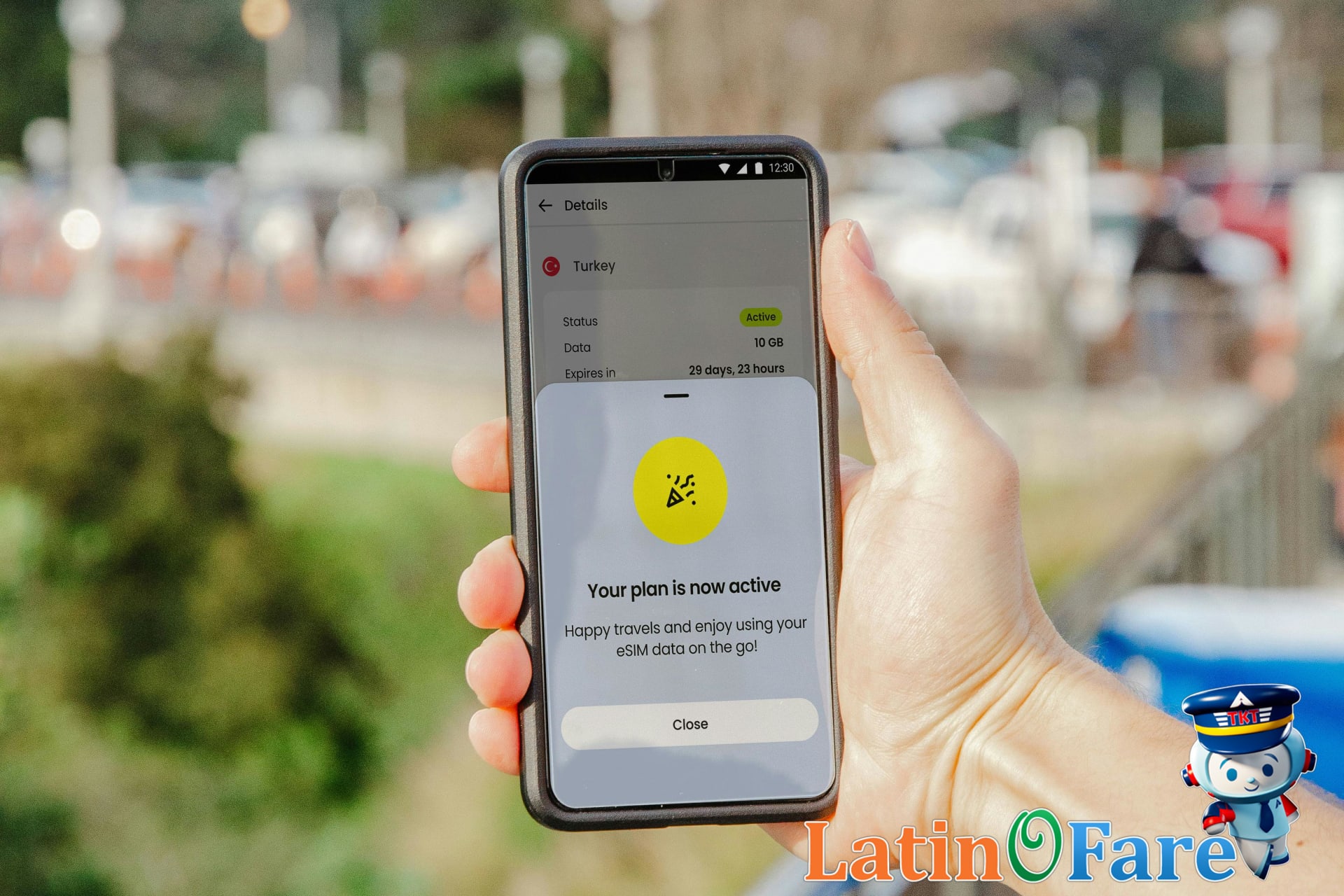
International roaming lets your U.S. phone connect to foreign networks when you travel, so you can call, text, and use data just like at home. Your carrier (like AT&T, Verizon, or T-Mobile) partners with local providers overseas, and your phone automatically switches to their network. The biggest perk? It’s convenient—no need to swap SIM cards or hunt for local plans the moment you land.
But there are real pitfalls. Roaming can mean high fees for calls, texts, and especially data—sometimes adding up to about $10.00 per day or even more, depending on your provider and plan. Coverage can be spotty in rural areas, and it’s easy to rack up charges without realizing it. After a short overseas layover, I was shocked by my phone bill when I returned—just a few texts and some map use led to a hefty surprise.
Activating Roaming: Step by Step
To activate roaming, go into your phone’s settings and toggle on “Data Roaming.” Then, check your carrier’s website or app for specific international plans. AT&T, Verizon, and T-Mobile all offer daily or monthly international passes—usually you can add these before you travel. If you’re unsure about your rates, it’s worth visiting your carrier’s official support page for the latest details. Find more in our guide to avoiding hidden travel fees.
Buying and Using Local SIM Cards
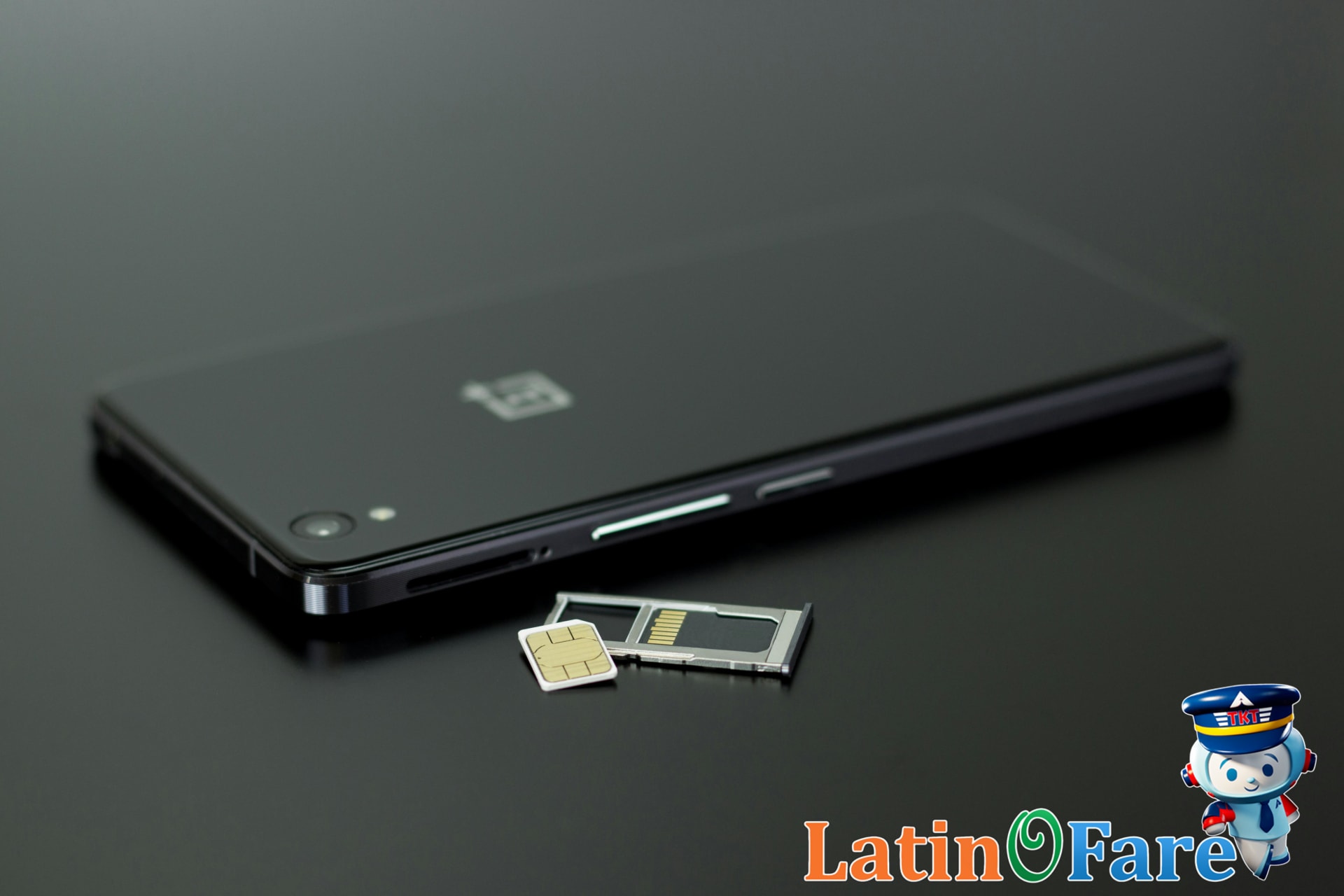
When I landed in Bangkok, I made a beeline to a SIM card kiosk in the arrivals hall—getting connected was my first priority. Most international airports have dedicated SIM card counters right by baggage claim or just outside customs, making it easy to get set up before you even leave the terminal. Beyond airports, you’ll also find SIM cards at convenience stores, electronics shops, and official mobile carrier stores throughout the city.
To buy a local SIM, you’ll typically need your passport and an unlocked phone. Staff will usually help you insert the SIM and activate your plan on the spot. Expect to pay about $10.00 for a tourist package with several gigabytes of data, though prices and inclusions vary by country and provider.
The main advantages of a local SIM are lower rates for calls and data, plus access to fast local networks. You can use maps, rideshare apps, and translation tools without worrying about roaming charges. Downsides? You might face language barriers at smaller shops, have to adjust to a new phone number, or occasionally deal with compatibility issues—especially if your phone isn’t fully unlocked or doesn’t support local network bands.
If you want to dive deeper into ways to save on travel expenses abroad, check out our guide to saving money while traveling internationally.
eSIM Advantages For International Travel
eSIM (embedded SIM) technology is changing how travelers stay connected abroad. Unlike traditional SIM cards, which are physical chips you swap in and out, an eSIM is a tiny, rewritable chip built right into your device. That means no more fiddling with SIM trays or worrying about losing those tiny cards when you land in a new country.
One of the biggest perks? You can store multiple mobile plans on a single device and switch between them through your phone’s settings. eSIMs are gaining popularity because they make it easy to buy data plans for several countries or regions—no need to track down a local SIM card at every stop. I noticed how much lighter my travel felt once I switched to eSIM; it was one less thing to keep track of in my carry-on.
Most newer smartphones, tablets, and some laptops now support eSIM. If you’re unsure about your device, check the official Apple eSIM compatibility list or the Android eSIM help page. To activate an eSIM, you usually purchase a plan online, scan a QR code from your provider, or use a carrier’s app—setup is often done before you even leave home.
If you’re interested in more tech tips for the road, you’ll find practical gear advice in our travel tech and gear guide for digitally savvy travelers.
Choosing The Right Travel Connectivity
Staying connected abroad can get confusing fast. Here’s a quick side-by-side comparison of the three main options I’ve used on my own trips:
| Option | Cost | Complexity | Best For | Coverage | Plan Changes |
|---|---|---|---|---|---|
| International Roaming | About $10.00 per day | Very easy | Short trips, business travelers | Usually strong | Rarely flexible |
| Local SIM Card | About $15.00 for 7 days | Moderate (requires SIM swap) | Budget travelers, long stays | Good if you pick a major carrier | Easy to top up locally |
| eSIM | About $8.00 for 5 days | Easy if your phone supports it | Frequent travelers, digital nomads | Varies by provider | Flexible, can change plans online |
Which Option Fits Your Trip?
If you’re on a quick business trip or only need your number to work, international roaming is the simplest—just expect to pay more. For backpacking or extended stays, I usually recommend grabbing a local SIM; it’s the cheapest route I found in Southeast Asia and Latin America, though swapping SIMs can be a hassle. eSIMs are my go-to in Europe, especially for multi-country train travel, since I can switch plans online without hunting down a shop. Popular eSIM providers include Airalo and Holafly, both of which let you purchase data plans before you even land.
For more details on which SIM or data solution matches your next destination, check out our comparison of best-value SIM cards by country.
Travel Budget Table: Connectivity Costs

Budgeting for mobile connectivity is something I never skip anymore. Allocating a little extra for a better data package meant I never ran out, even when navigating unfamiliar cities or booking last-minute rides. Here’s a practical breakdown of daily travel costs, including a dedicated row for connectivity—an expense that’s easy to overlook until you’re hit with roaming charges or find yourself offline at the worst moment.
| Budget | Mid-Range | Luxury | |
|---|---|---|---|
| Accommodation | $35.00 | $80.00 | $220.00 |
| Food | $12.00 | $28.00 | $65.00 |
| Transport | $8.00 | $22.00 | $55.00 |
| Activities | $10.00 | $30.00 | $85.00 |
| Connectivity | $5.00 (local SIM purchase) |
$10.00 (eSIM plan) |
$15.00 (international roaming day pass) |
For the connectivity row, I checked major providers: a local prepaid SIM is typically about $5.00 per day for basic data, an eSIM plan runs around $10.00 daily, and a roaming day pass from most U.S. carriers is about $15.00. It’s smart to set aside this amount and monitor your data usage in your phone settings so you don’t get caught off guard. If you want even more ways to stretch your travel dollar, check out our travel budgeting tips for practical advice beyond connectivity.
Common International Connectivity Pitfalls

Staying connected abroad isn’t just about grabbing a local SIM or enabling roaming—there are a few classic mistakes that can leave you offline at the worst possible moment. Here’s a quick checklist to help you avoid the most common pitfalls:
- Forgetting to unlock your phone before departure. (I made this mistake once and spent two days completely offline—now I always double-check before any trip.)
- Buying a SIM card that’s not compatible with your device or network bands.
- Skipping the APN (Access Point Name) setup, which can prevent mobile data from working correctly.
- Exceeding data roaming limits and facing unexpected service blocks or high charges.
- Not saving your SIM provider’s contact info or APN details for troubleshooting.
If you’re unsure how to unlock your phone, check your carrier’s official instructions—most major providers like AT&T or Verizon have step-by-step guides. For more solutions, you might want to read our post on troubleshooting common travel tech problems before your next trip.
Key Connectivity Tips and Troubleshooting
Staying connected while traveling can make or break your trip, so I always make a checklist before I leave. Here’s what I recommend: download all essential airline, hotel, and navigation apps before you board your flight. Set up offline maps in Google Maps or Maps.me, and save your hotel’s Wi-Fi info somewhere you can access without internet. If you’re using a local SIM, know how to reload data or swap SIMs in advance—sometimes a quick YouTube tutorial helps.
Once, I landed in a new city and realized my SIM wasn’t activating. Because I’d already downloaded my airline and hotel apps, I could pull up my reservation details and use the hotel’s WhatsApp number (saved offline) to get help. That quick prep saved me a ton of stress. If you ever get stuck, reach out to your hotel’s front desk, your SIM card provider, or use latinofare.com’s support resources for guidance. For more, check our guide to essential travel apps before your next trip.
Frequently Asked Questions: Roaming and SIMs
- How do I check if my phone is unlocked for international SIM cards?
Most phones let you check by inserting a SIM card from a different carrier—if it works, your phone is likely unlocked. You can also contact your carrier or check your device settings. For step-by-step instructions, visit the official Apple or Samsung support pages for device-specific guidance.
- What’s the easiest way to avoid high international roaming charges?
To avoid expensive international roaming fees, I always recommend disabling data roaming in your phone’s settings before you travel. Instead, buy a local SIM card or use an eSIM plan for the country you’re visiting. Using Wi-Fi for calls and messages can also help you save money while abroad.
- Are eSIMs safe and reliable for international travel?
eSIMs are generally safe and reliable for travel, provided your phone supports them and you purchase from a reputable provider. Many travelers use eSIMs for convenience, since you can activate a plan instantly without finding a physical SIM card shop. Always check compatibility with your device before buying.
- Which is better for short layovers: SIM card or eSIM?
If you have a short layover, an eSIM is often more convenient than a physical SIM card. You can set up an eSIM before you land, so you’re connected as soon as you arrive. This saves time and avoids the hassle of searching for a SIM vendor at the airport.
- How do I switch back to my home plan after using a local SIM or eSIM?
Switching back is usually as simple as reinserting your original SIM card or reactivating your home eSIM profile in your phone’s settings. I’ve found it helpful to label my SIMs or eSIM profiles for easy identification. Be sure to restart your device if your network doesn’t automatically reconnect.
- Where can I find troubleshooting tips for international roaming?
If you’re having trouble with international roaming, check your carrier’s support site for country-specific advice. For broader travel tech tips, browse the help section on latinofare.com. You’ll find guidance on SIM compatibility, device setup, and what to do if your phone can’t connect abroad.
Staying Connected: Takeaways and Next Steps

Staying connected while traveling internationally doesn’t have to be complicated—just a bit of planning goes a long way. After sorting out my phone setup in advance, I never stress about staying in touch during trips, whether it’s for work updates or catching up with family from a new city. If you take a few minutes to double-check your device settings, research SIM or eSIM options, and budget for your preferred connectivity method before leaving, you’ll avoid last-minute headaches and extra costs. I’ve found that a little preparation brings peace of mind throughout the journey.
If you ever need help with your travel bookings, latinofare.com offers support to make the rest of your trip planning just as smooth.