

How Travel Apps Transform Your Trip

Travel apps have completely changed the way we plan, budget, and navigate trips. With the right apps, you can compare flight prices, book last-minute hotels, translate menus, or update your itinerary in real time—often saving both money and stress. It’s not just about convenience; these tools help you make smarter decisions on the go, from choosing the fastest route to finding the best local eats.
I remember landing in Madrid and realizing my hotel had overbooked. Thanks to a booking app I’d already set up, I found a nearby place and checked in within minutes—no frantic calls or language struggles. That single app turned what could have been a major headache into a quick solution.
One thing I always recommend: download and set up your essential travel apps before leaving home. Many apps need an initial login or verification, and you don’t want to get stuck without Wi-Fi or rack up international data charges abroad. App store reviews show that travelers who prep ahead report fewer tech hiccups and smoother experiences.
If you want more ideas on travel tech or booking strategies, check out the guide on latinofare.com for practical tips.
How To Choose Reliable Travel Apps

Not all travel apps are created equal, and the ones you choose can make or break your trip abroad. When I’m vetting a new app before a big international trip, I always run through a five-point checklist: usability, offline functionality, privacy practices, cost, and how often the app is updated. Here’s why these matter: an app that’s clunky or confusing wastes valuable time; if it won’t work offline, you could be stranded without directions or tickets; poor privacy standards might put your data at risk; hidden costs can add up quickly; and outdated apps often have bugs or missing features just when you need them most.
My Five-Point App Checklist
- Usability: Is the interface intuitive and easy to navigate?
- Offline Use: Can I access maps, bookings, or translations without Wi-Fi?
- Privacy: Does the app collect only necessary data and offer clear settings? (I like to check resources like the Electronic Frontier Foundation if I’m unsure.)
- Cost: Are there surprise fees, or is the price upfront?
- Update Frequency: Has it been updated in the last few months?
If an app fails on any of these, I usually look for alternatives. For example, I once ignored offline access and ended up unable to pull up my transit ticket on a train in Germany—lesson learned. For more tips on avoiding common travel hassles, check out our advice on latinofare.com.
Reviewing the Best Flight Booking App
After testing several airfare apps, I keep coming back to the latinofare.com mobile platform for booking flights. The app stands out for its fare tracking, flexible date search, and real-time deal alerts, making it easy to spot savings that many other apps miss. The interface is clean, so you can quickly compare prices across a whole month or set up alerts for specific routes.
One feature I rely on is the price alert tool. Just last month, I set an alert for a flight I needed from Los Angeles to Mexico City. Thanks to the app’s notification, I caught a drop and booked at about $120.00 less than the previous day’s fare—a genuine win that I wouldn’t have caught by checking manually. If you want more strategies, check out latinofare.com’s post on scoring cheap airfare with alert tools. For those who want to compare, you can also review features on the Skyscanner app page.
Best Accommodation Booking App
If you’re looking for the best app to book global accommodations, Booking.com consistently stands out for budget travelers. The app’s main advantage is its extensive price comparison—showing options from hotels, hostels, apartments, and even unique stays worldwide. You can easily filter by price, guest rating, and amenities, which makes finding the right fit quick and stress-free.
What I really appreciate about Booking.com is its Genius loyalty program. After just a couple of bookings, you unlock extra discounts and perks like free breakfast or late checkout. I once scored a memorable deal at a boutique hotel in Europe thanks to these Genius savings—something I wouldn’t have found on other platforms. The app’s interface is straightforward, and I’ve found customer support responsive whenever I needed help with a reservation.
Navigation Apps For Stress-Free Travel
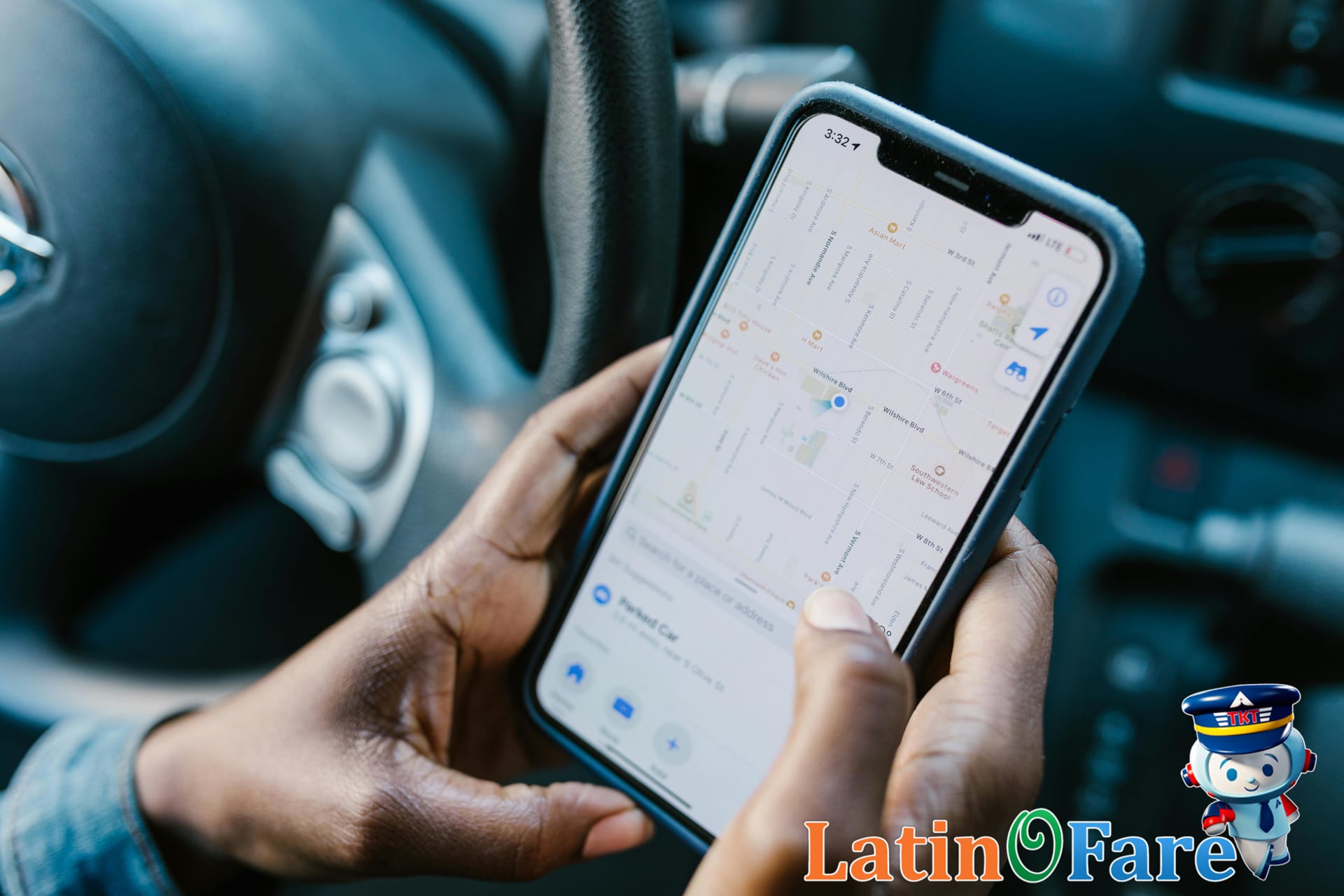
Having a reliable navigation app in your pocket can make all the difference when exploring a new city. Google Maps is my go-to for route planning, real-time transit updates, and walking directions. Its offline maps feature means you don’t have to worry about finding Wi-Fi or burning through data—just download your destination’s map in advance. Maps.me is another solid choice, especially for travelers who want detailed offline maps covering hiking trails and less-traveled roads.
On my last trip to a busy European capital, I found myself in a maze of small streets with patchy cell service. Because I’d downloaded the city map before leaving home, I navigated the back alleys and found my hotel without any stress. It’s a simple step, but it’s saved me time and hassle more than once.
For more details on offline navigation, check out Google Maps’ official offline maps guide. And if you’re planning your next urban adventure, you might find our latinofare.com destination guides helpful too.
Why a Translation App Matters Abroad
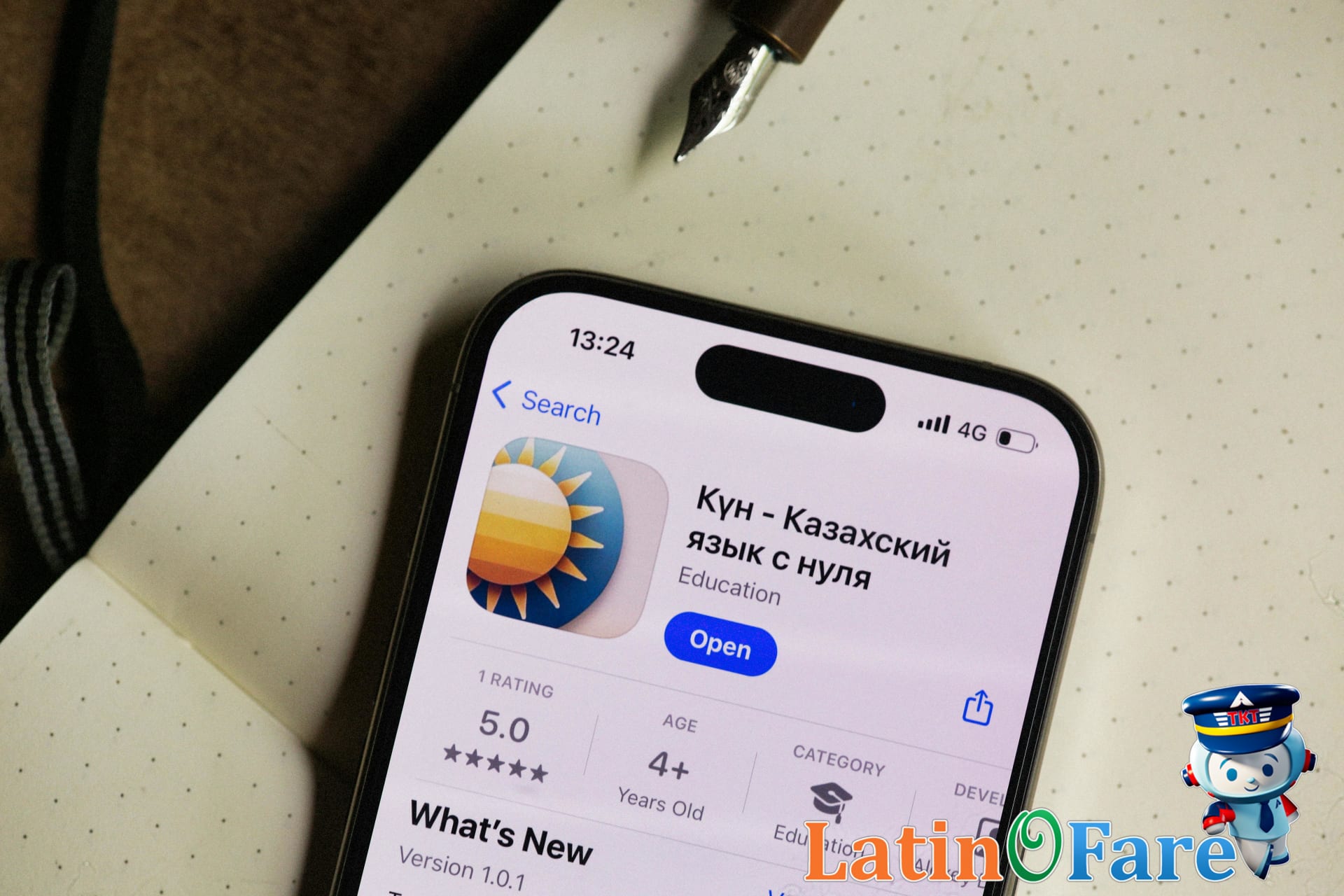
Having a language translation app like Google Translate on your phone can be a lifesaver when you’re traveling in a country where you don’t speak the language. Features like instant camera translation for menus, downloadable offline language packs, and voice input make it much easier to navigate daily interactions, whether you’re reading street signs or chatting with locals. I remember using the camera feature to decipher a restaurant menu in Madrid—suddenly, I wasn’t just pointing at random dishes, but actually choosing what I wanted.
Offline mode is especially useful if you’re somewhere with spotty Wi-Fi or no data; you can download the necessary language packs in advance (see Google Translate’s offline guide). If you’re planning a trip to a non-English-speaking country, you might also find tips in latinofare.com’s post on traveling to non-English-speaking destinations.
Top Currency Converter App
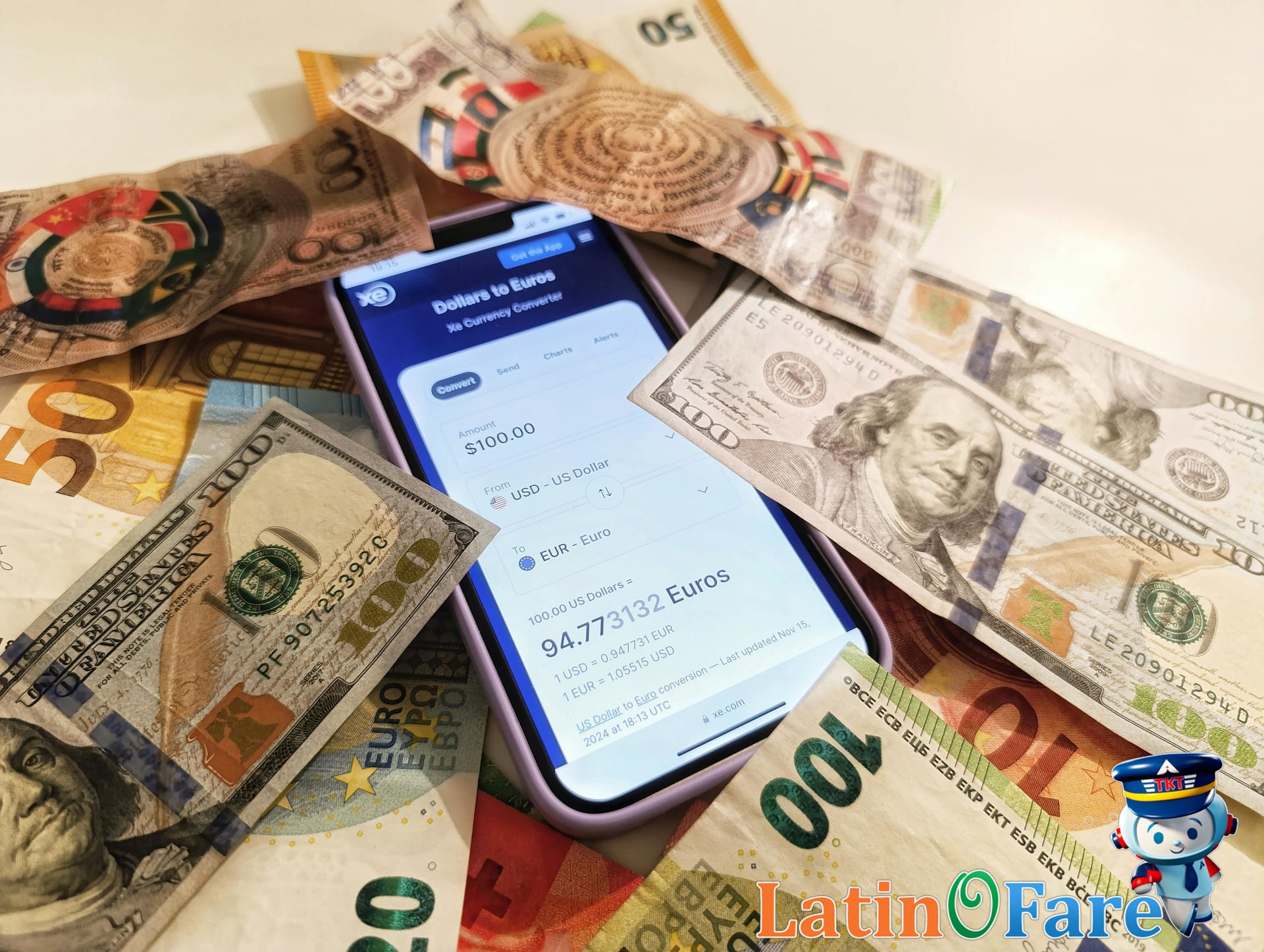
One of the most reliable tools for travelers is the XE Currency app, which makes converting prices a breeze wherever you are. It offers live exchange rates, offline access, and an easy way to track multiple currencies at once. I’ve found that checking prices with XE before paying helped me avoid being overcharged at markets and restaurants, especially when local menus only listed prices in the local currency.
To get the most accurate rates, I always update the app’s data whenever I connect to Wi-Fi. XE’s own documentation recommends this approach to ensure you’re not relying on outdated numbers. Having real-time rates gave me peace of mind and helped me stick to my travel budget, even when prices fluctuated day by day. If you want more tips on managing travel expenses abroad, check out this guide on latinofare.com about handling foreign travel costs.
Best Budgeting and Expense App
When it comes to keeping travel costs in check, the app I always reach for is Trail Wallet. It’s designed for travelers, letting you set a daily budget, log expenses in multiple currencies, and instantly see how much you’ve spent. One feature I rely on is the daily spending summary—it’s caught me overspending on snacks more than once, which helped me adjust before my trip spiraled off-budget.
Trail Wallet’s reminders and alerts are especially useful. I’d suggest setting up daily notifications so you remember to add every purchase, no matter how small. That way, you’ll avoid the “where did my money go?” surprise at the end of your trip. If you need more tips on saving for flights, check out latinofare.com’s guide to affordable airlines and budget destinations.
Best Offline Maps And Guides Apps
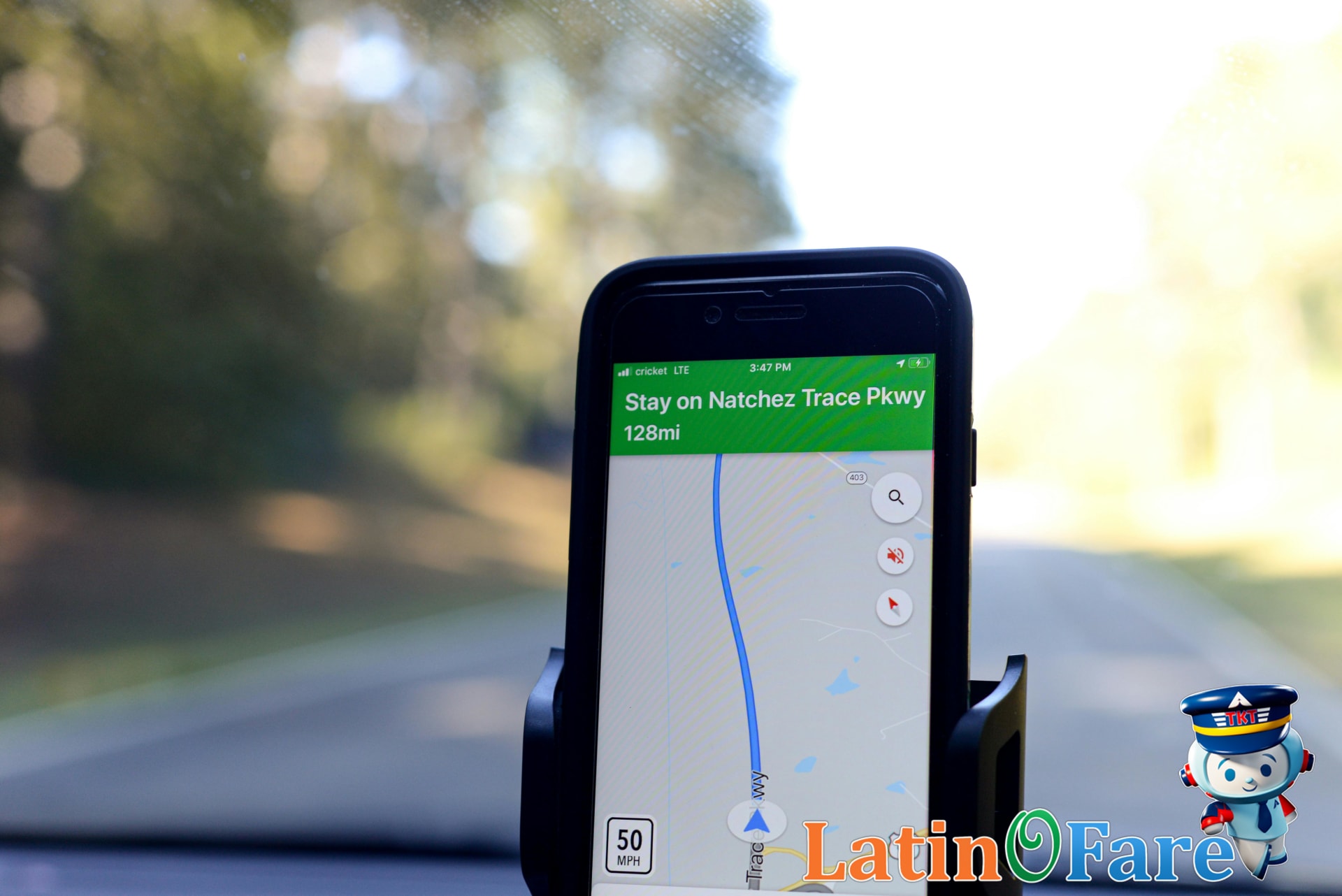
One of the most reliable offline navigation tools for travelers is Maps.me. This app lets you download detailed maps and guides before your trip, so you’re never stranded without directions—even in places with spotty cell service or expensive roaming. I’ve relied on Maps.me in rural South America, where my SIM card had no coverage, and still found my hostel without a hitch.
Preloading maps and schedules is a game-changer for remote adventures or cities where data costs add up quickly. I usually download all the areas I expect to visit and save key points of interest, which means I’m not scrambling for Wi-Fi or racking up roaming charges. For more on how offline coverage works, check out Maps.me’s documentation.
If you’re planning to use international data, you might also want to review latinofare.com’s guide to SIM cards and travel connectivity for extra peace of mind.
Helpful Apps For Group Travel Safety
Staying organized and safe on a group trip can get complicated, but the right apps really help. Group trip organizers like TripIt or Wanderlog let everyone see the same itinerary, share updates, and chat without endless message threads. In my experience, having a central place for flights and hotel details meant no one missed a bus—and I spent less time herding friends.
For safety, I always download a reputable emergency app before heading abroad. Tools like Smart Traveler (from the U.S. State Department, see their app downloads page) provide local alerts, embassy contacts, and medical info. I’ve found it reassuring to know I can quickly find the nearest embassy or see real-time safety alerts.
For a little fun and inspiration, check out Culture Trip or Trover to discover quirky sights, food spots, and local events. They’re great for sparking spontaneous adventures, especially when your group wants to break from the main itinerary.
If you’re booking for a family or larger group, the latinofare.com group booking resource can also simplify your travel planning.
Travel App Savings Budget Table
Travel apps can make a real difference in your trip budget, especially when you use them to compare deals and book at the right time. I’ve personally used app-driven price comparisons to decide when to splurge on a nicer hotel—seeing clear savings in other categories helped me justify the upgrade. Below, you’ll find a table showing how smart app use can shape your total costs for accommodation, food, transport, and activities across three budget levels. These figures reflect typical prices you might find by booking with apps, factoring in discounts, flash sales, and bundled offers.
| Accommodation | Food | Transport | Activities | |
|---|---|---|---|---|
| Budget | $38.00 | $15.00 | $12.00 | $10.00 |
| Mid-range | $85.00 | $35.00 | $28.00 | $25.00 |
| Luxury | $190.00 | $70.00 | $65.00 | $60.00 |
Budget travelers can use apps to find hostel deals or local eats, while mid-range and luxury travelers benefit from bundled rates and last-minute upgrades. I’d recommend using a booking platform like latinofare.com to explore real-time rates before you finalize your plans.
FAQs About Top Travel Apps
- What are the best travel apps for planning trips?
Some of the best travel apps for planning include Google Maps for navigation, TripIt for organizing itineraries, and Skyscanner for searching flights. I’ve found that combining these with a booking platform like latinofare.com makes the whole process much smoother, especially when comparing airfare options.
- Can travel apps work offline overseas?
Many travel apps offer offline features, but you’ll need to download maps or guides before leaving Wi-Fi. Google Maps and Maps.me let you save areas for offline use, which is handy when you don’t have a local SIM card. Always check app settings before your trip to avoid surprises abroad.
- What app tracks the cheapest flights quickly?
Apps like Skyscanner and Hopper are popular for tracking cheap flights quickly. They scan multiple airlines and alert you to price drops. For direct booking and support, I’d also compare results with latinofare.com since sometimes they highlight special fares not found on other apps.
- Are travel apps safe for storing payment info?
Most reputable travel apps use strong encryption and require secure logins, but it’s smart to check reviews and only download from official app stores. For extra safety, enable two-factor authentication if available and review privacy settings. Apple and Google both provide security guidelines for apps in their stores.
- How do I choose essential travel apps for my trip?
Think about your destination and needs: navigation, booking, translation, or local guides. I usually recommend starting with a map app, a flight or hotel booking tool, and a language app if you’re traveling somewhere new. Prioritize apps that offer offline access or real-time updates for peace of mind.
- Which apps help save money on hotels or food?
For saving on hotels, try Booking.com or Hotels.com, which often feature last-minute deals. For food savings, apps like Yelp and TheFork can highlight local discounts or special offers. I’ve saved a fair bit by checking these before deciding where to eat or book a room.
- How often should I update my travel apps?
It’s best to update your travel apps before every trip to ensure you have the latest features and security patches. Updates often fix bugs or add offline capabilities. I make it a habit to check for updates a few days before departure so I’m not caught without essential tools abroad.
Empower Travels With Smart Apps
If you’re new to travel tech, I recommend starting with just one or two apps that seem most useful for your style—like a flight tracker or a translation tool. In my own travels, embracing these apps has reduced my stress and made it easier to spot deals and stay organized, even on a tight budget. Over time, I’ve found that the right apps can really stretch your dollars and make logistics much smoother. If you’re looking for affordable booking tools, latinofare.com offers a great place to experiment with flexible fare searches and planning resources.